
Tracking Equipment
This step is optional. It’s used to track who is using each piece of equipment out in the field.
Note: Equipment items and categories are set up in Admin Portal. This screen only appears once your equipment has been set up.
Assigning Equipment
Select a category from the first dropdown. A second dropdown appears - select the item(s) you need.
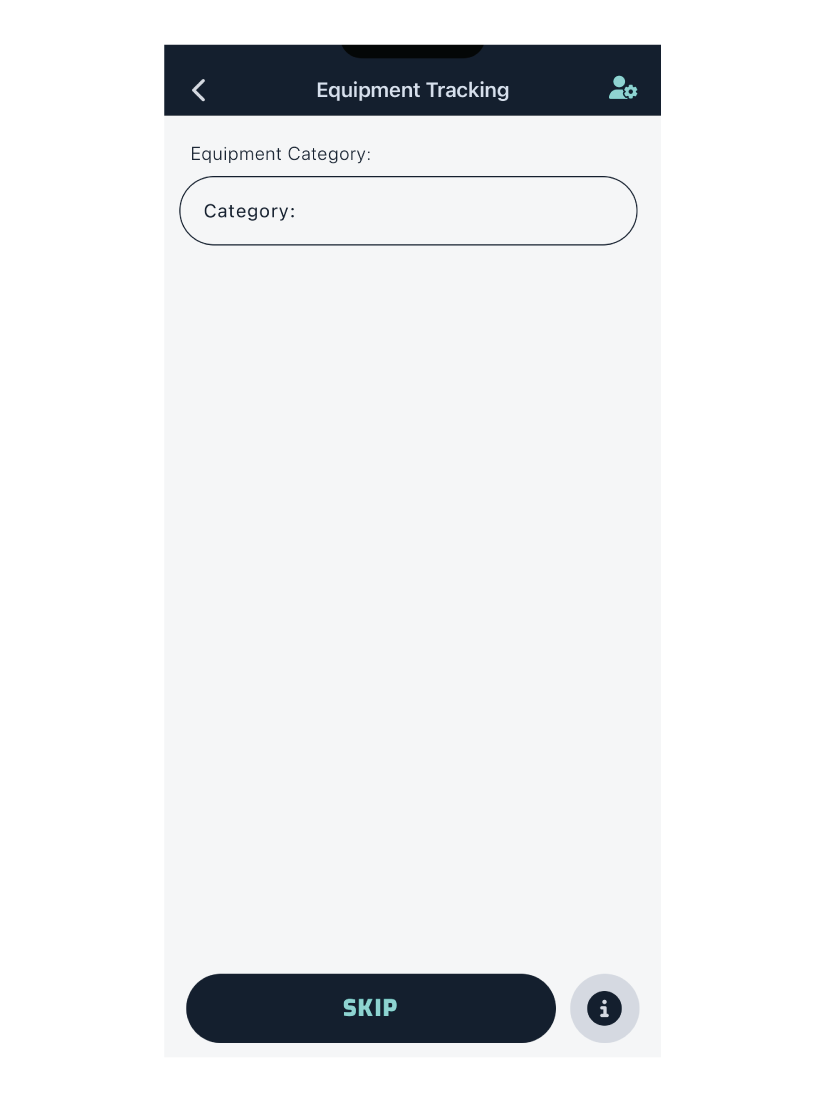
If you are using multiple pieces of equipment, select them from the dropdown one at a time.
To remove an item from your list, tap the button on the left of the item.
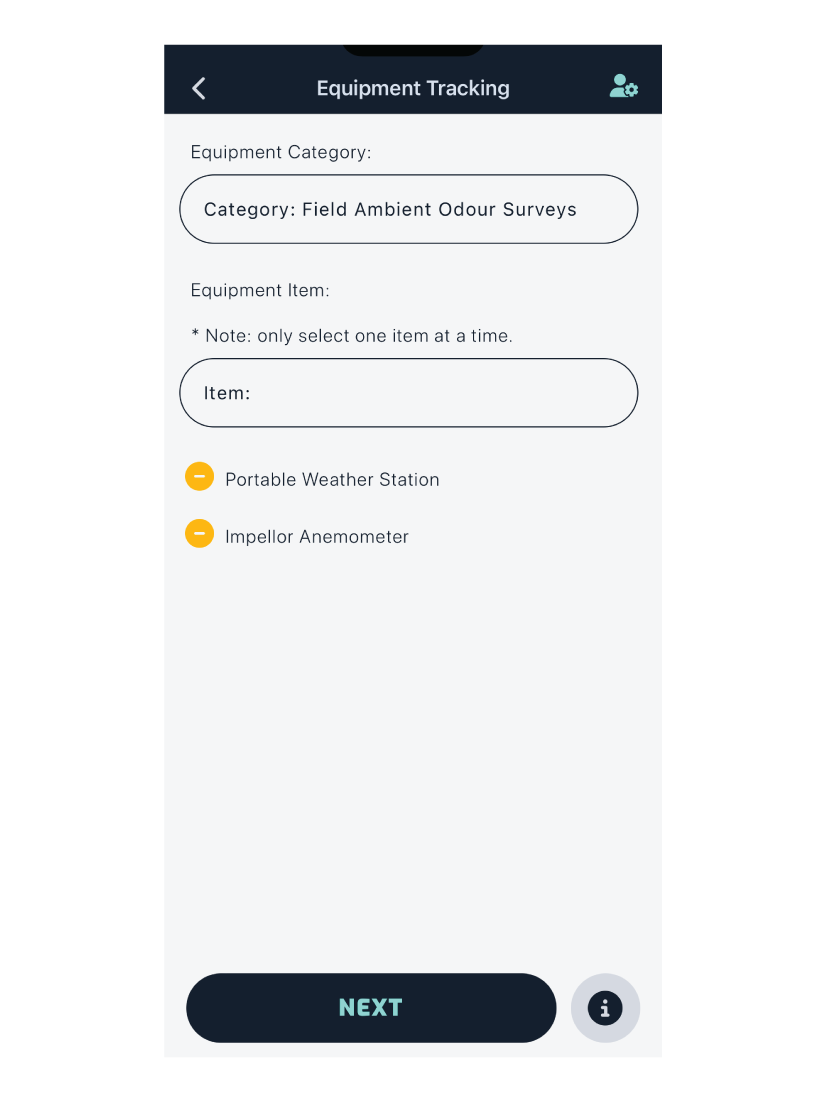
Tapping Next will take you to the survey map screen.