
Map Context Menu
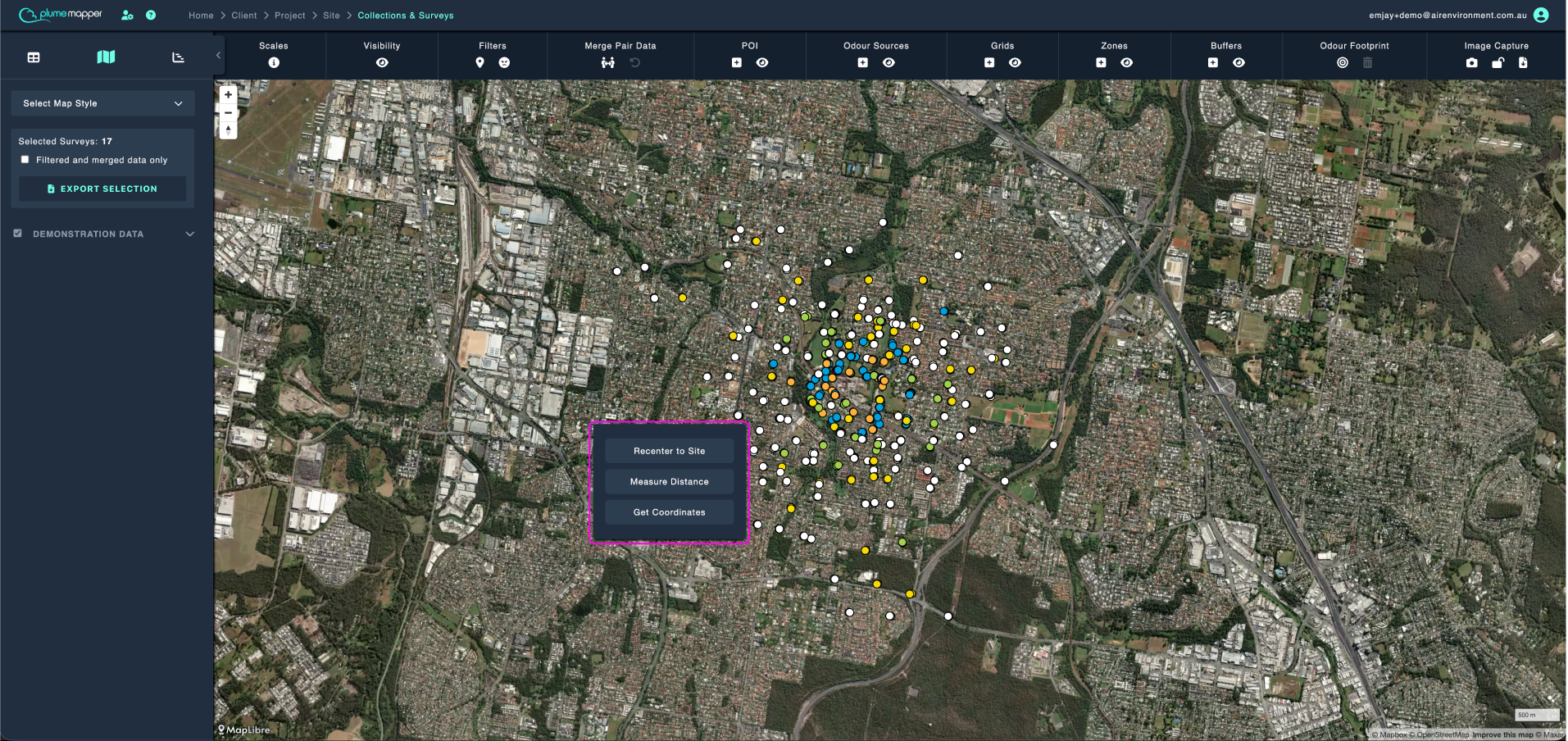
Right click anywhere on the map to bring up the context menu.
- Click Recenter to Site to pan the map back to the site coordinates.
To measure a distance on the map:
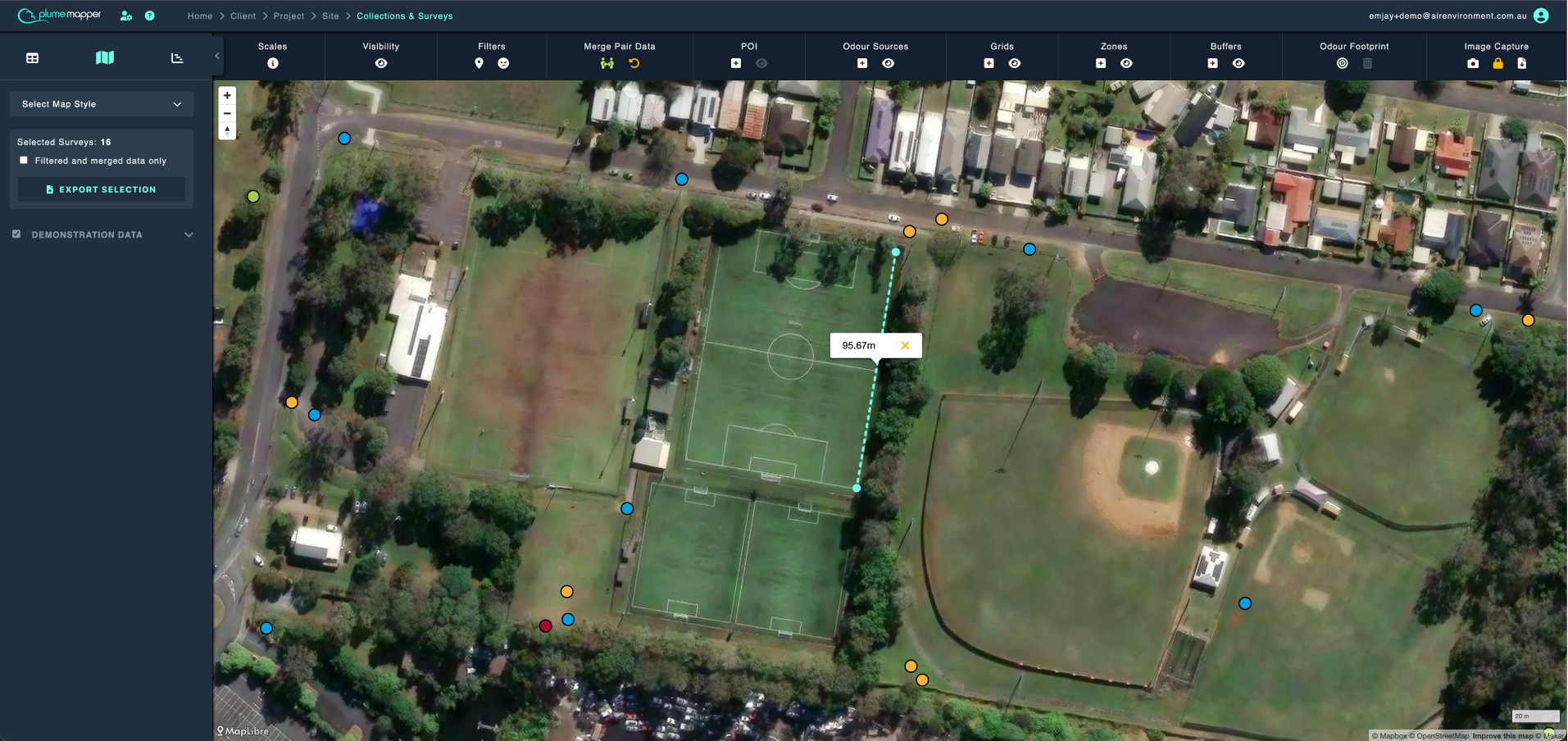
- Click the Measure Distance button.
- Click two points on the map at the locations you want to measure to and from.
- A line renders, showing the distance.
- Click the icon to remove the measured line.
- Or click two new points to measure another distance.
To get the coordinates from any point on the map:
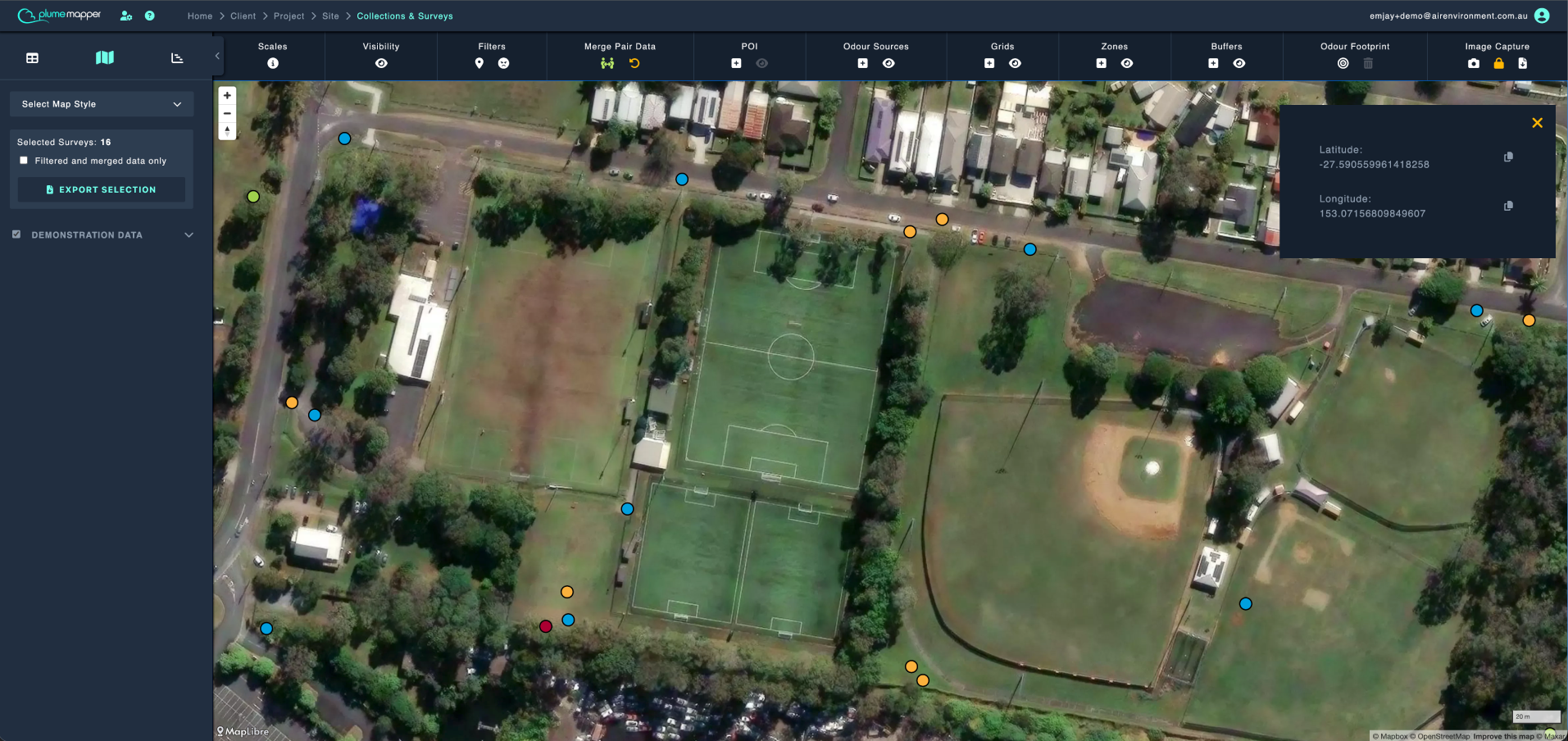
- Click the Get Coordinates button.
- Click the map where you want the coordinates.
- The latitude and longitude are displayed in the top right corner.
- Click the icon to copy the coordinates to your clipboard.
- Click the icon to close the panel.
Note: While either tool is active, the cursor changes to a crosshair.