
Points of Interest
Create a new POI from the survey map screen, by tapping the button in the sidebar navigation > Add POI.
You can add any notable POI to your site. Enter the POI label in the input field.
Note: Each POI label must be unique per site.
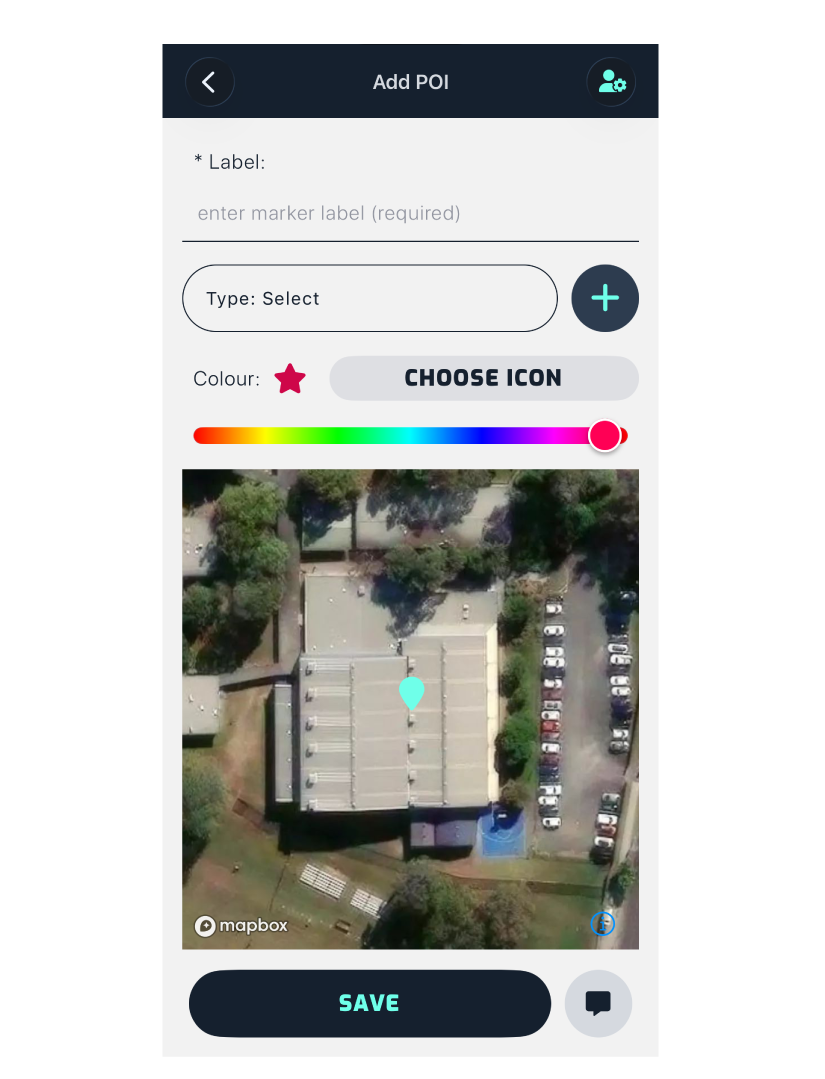
You can assign a type to your POI from the dropdown list, or create a new POI type. Types are stored in your company-wide root settings, not per site. The predefined list of types includes:
- Animal Production
- Agriculture
- Recreational Boat Facility
- Warehouse
- Industry
- Earth and Energy Resources
- Transport Terminal
- Utility Installation
- Renewable Energy
- Car Park
- Saleyard
- Tramway
- Natural Systems
- Freeway Service Centre/Service Stations
- Office
- Leisure and Recreation
- Place of Assembly
- Retail Premises
- Education Centre
- Research Centre
- Winery
- Cemetery or Crematorium
- Emergency Services Facility
- Art and Craft Centre
- Accommodation
- Rural Living Zones
- Hotels/Motels
- Hospital
- Prison
- Mixed Use Zones with Residential Apartments at Ground Level
- Residential Areas
- Met/Weather Station
- Other
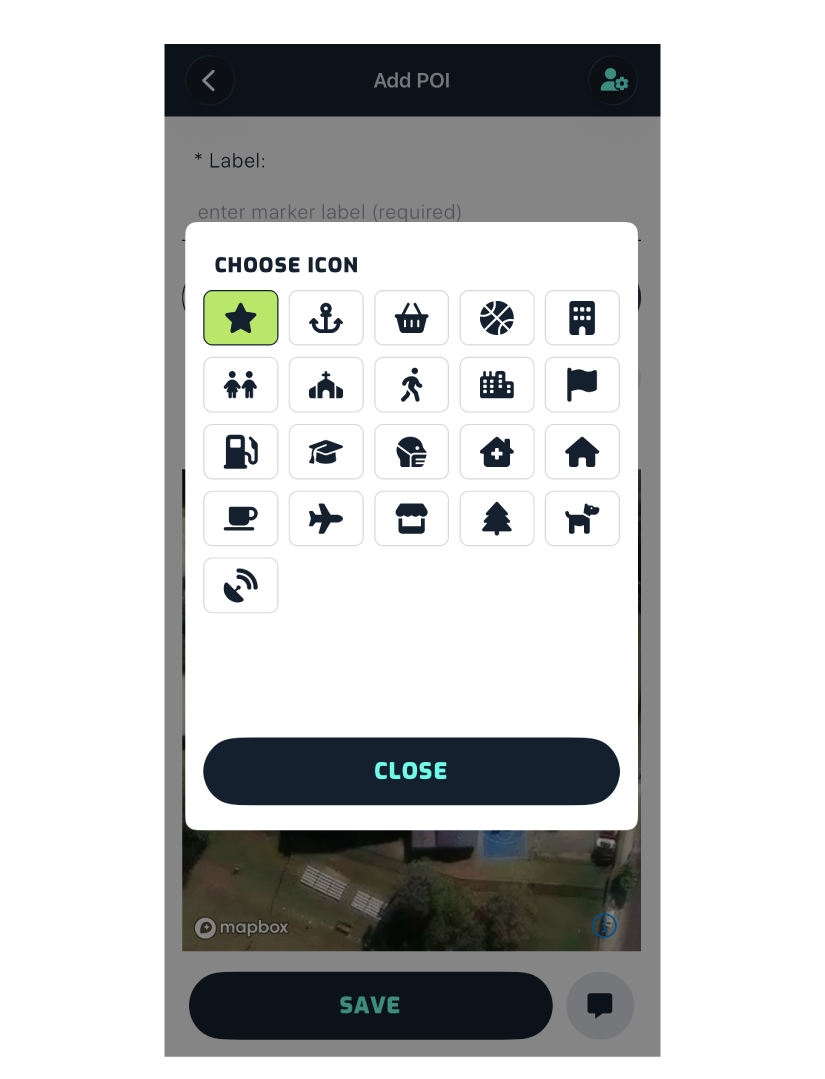
You can change the default icon to any of the options in the icon menu, shown below.
You can change the colour of the icon by sliding the circle on the colour bar.
Update the location of the POI by panning the map until the marker sits on top of the POI.
Finally, tap Save.