
Odour Characters
Create a new character from the survey map screen, by tapping the button in the sidebar navigation > Add Odour Character.
Adding odour characters populates the dropdown lists you use when assigning characters to your measurement data.
Enter the name of the odour character in the input field.
Note: Each character name must be unique per site.
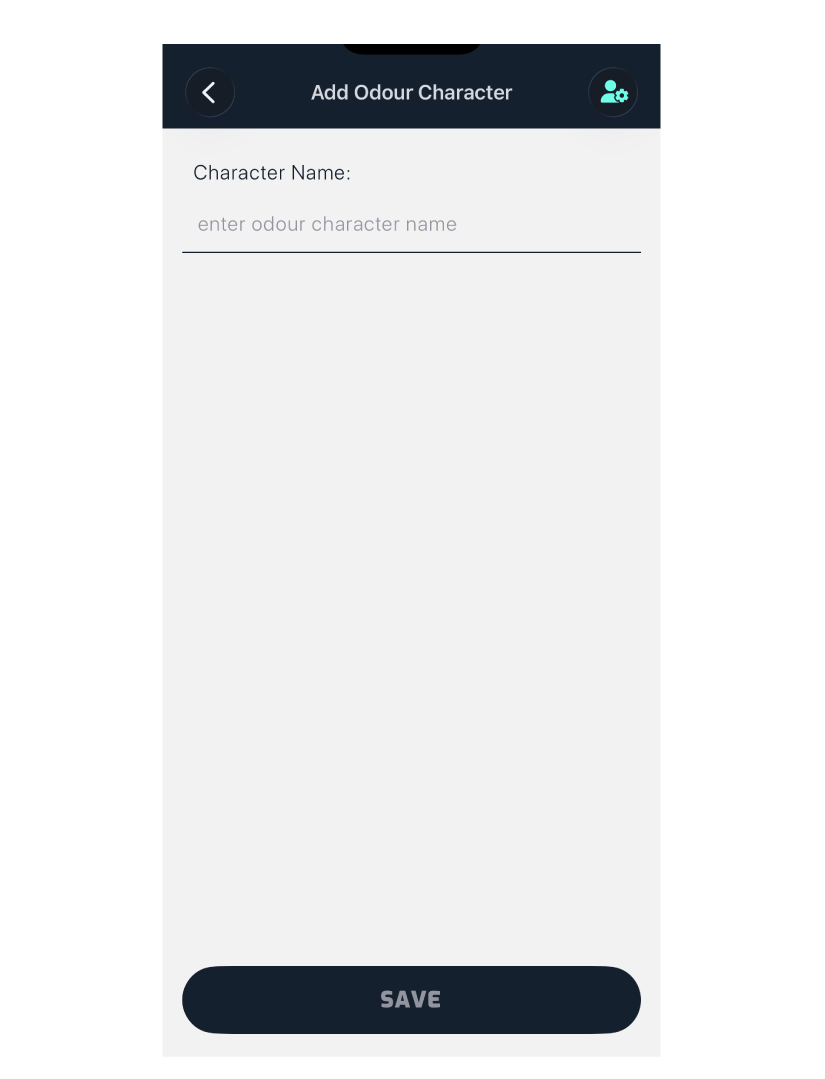
Tap Save to add it to your site’s character list.