
Offline Maps
If you are heading to a location with little or no service, you can download an offline map of the area you’re surveying.
Download an offline map from the survey map screen, by tapping the button in the sidebar navigation > Offline Map Wizard.
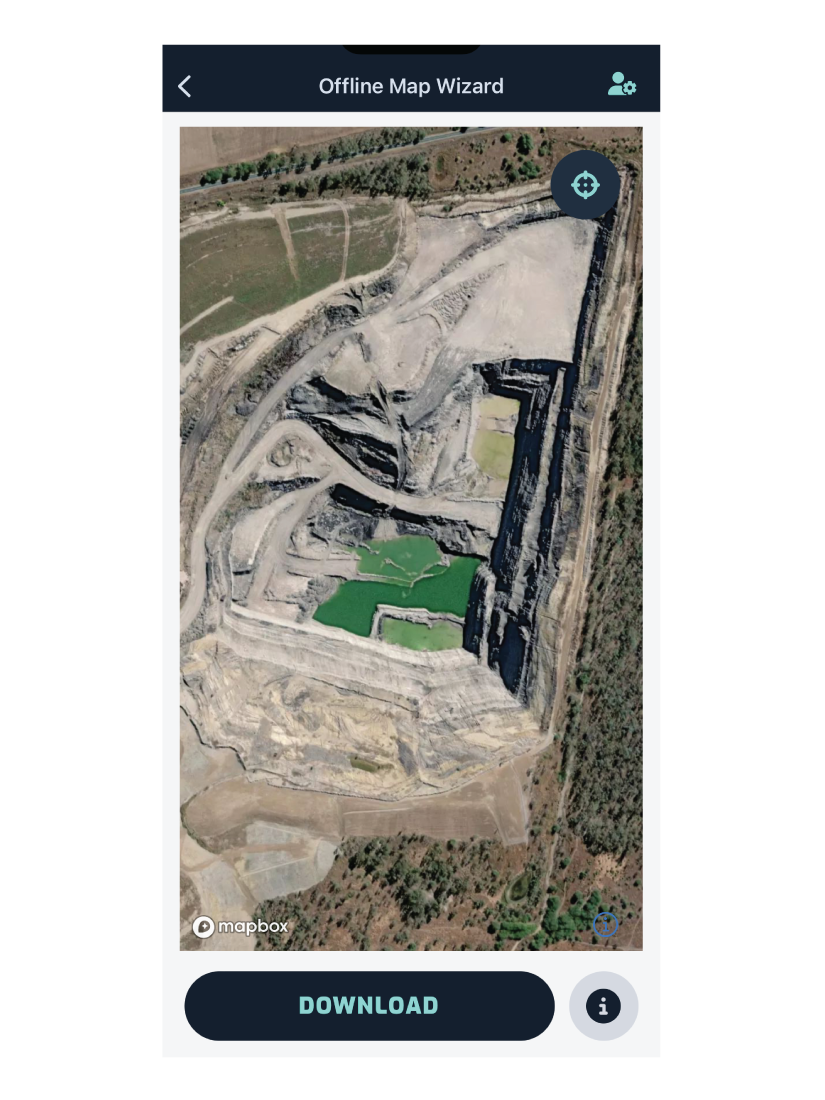
Pan the map until the region you need is in view, then tap Download. The visible region will be available when you’re offline.
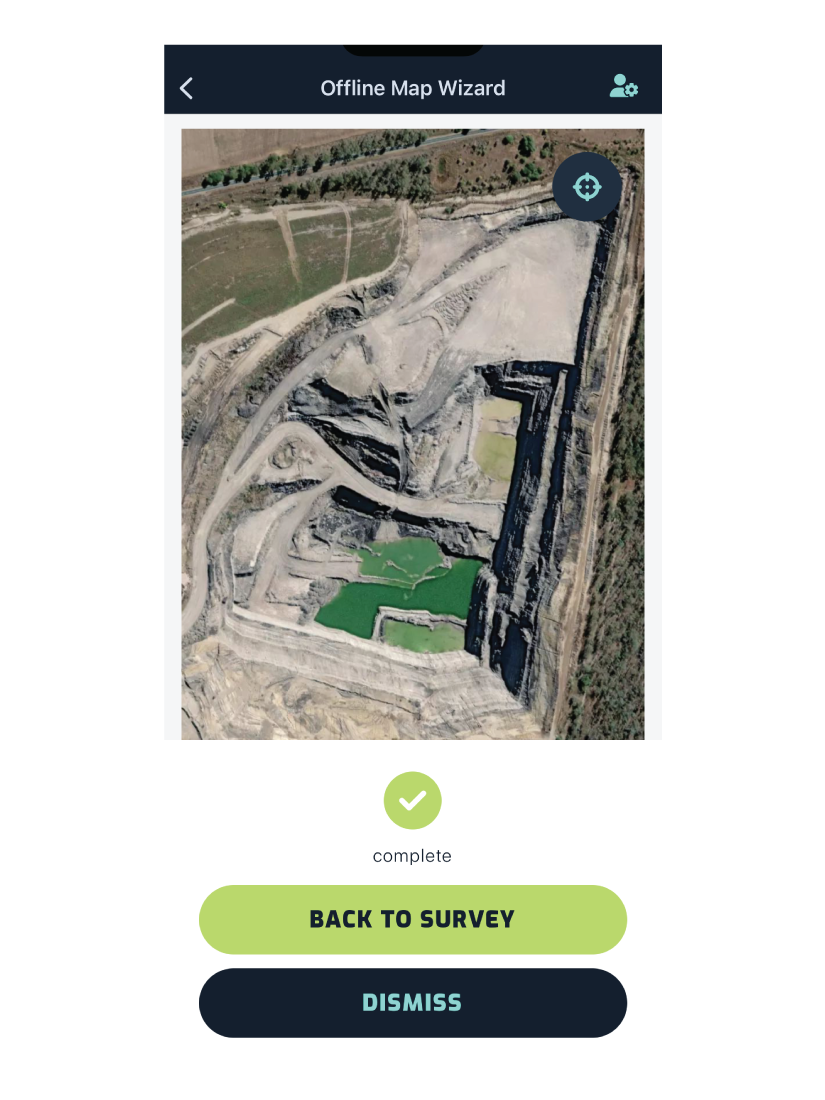
Once the map has finished downloading, you can go back to the survey map view.
If you want to change the region in view, tap Dismiss and repeat the steps above.