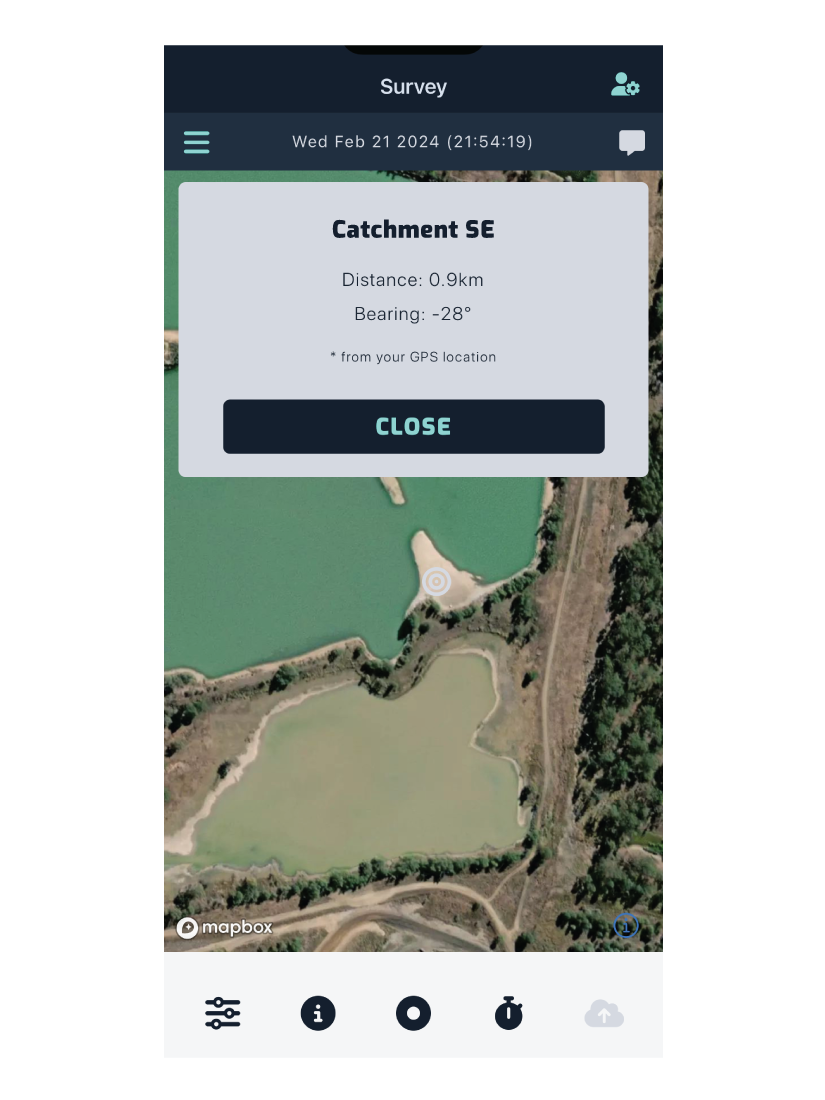
Odour Sources
Create a new source from the survey map screen, by tapping the button in the sidebar navigation > Add Odour Source.
Adding odour sources and their associated characters populates the dropdown lists you use when assigning odour sources and characters to your measurement data.
Adding a New Odour Source
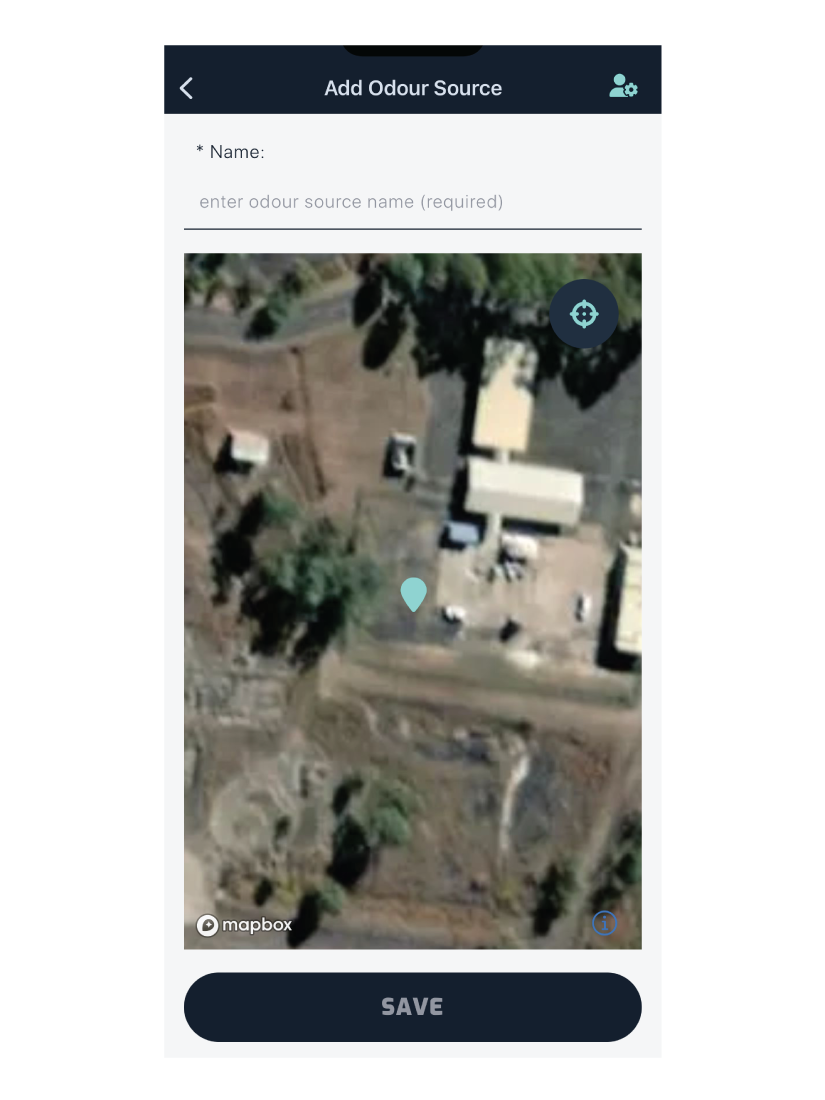
Enter the name of the odour source in the input field. You can also add any associated characters to that source.
Note: Each source and character name must be unique per site.
Align the marker to the location of the odour source, then tap Save to add them to your site’s source and character lists.
Viewing Odour Sources
Odour sources appear on the survey map. Tap the marker to see the source’s distance and bearing from your current location.