Custom Scales
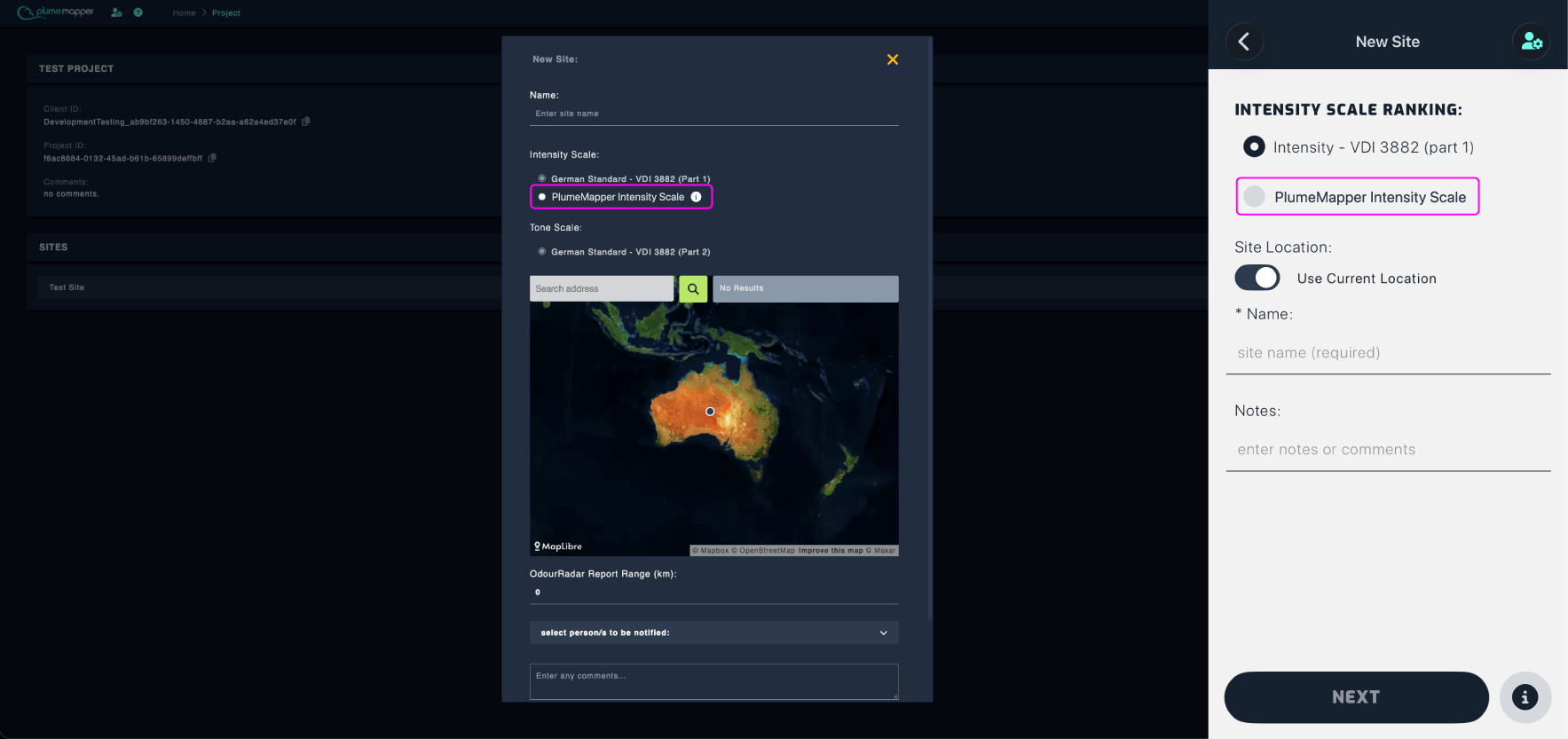
Custom scales let you replace or edit PlumeMapper’s default scales with scales that suit your organisation.
Note: Only Intensity, Hedonic Tone and Duration (Instantaneous measurements) can be replaced.
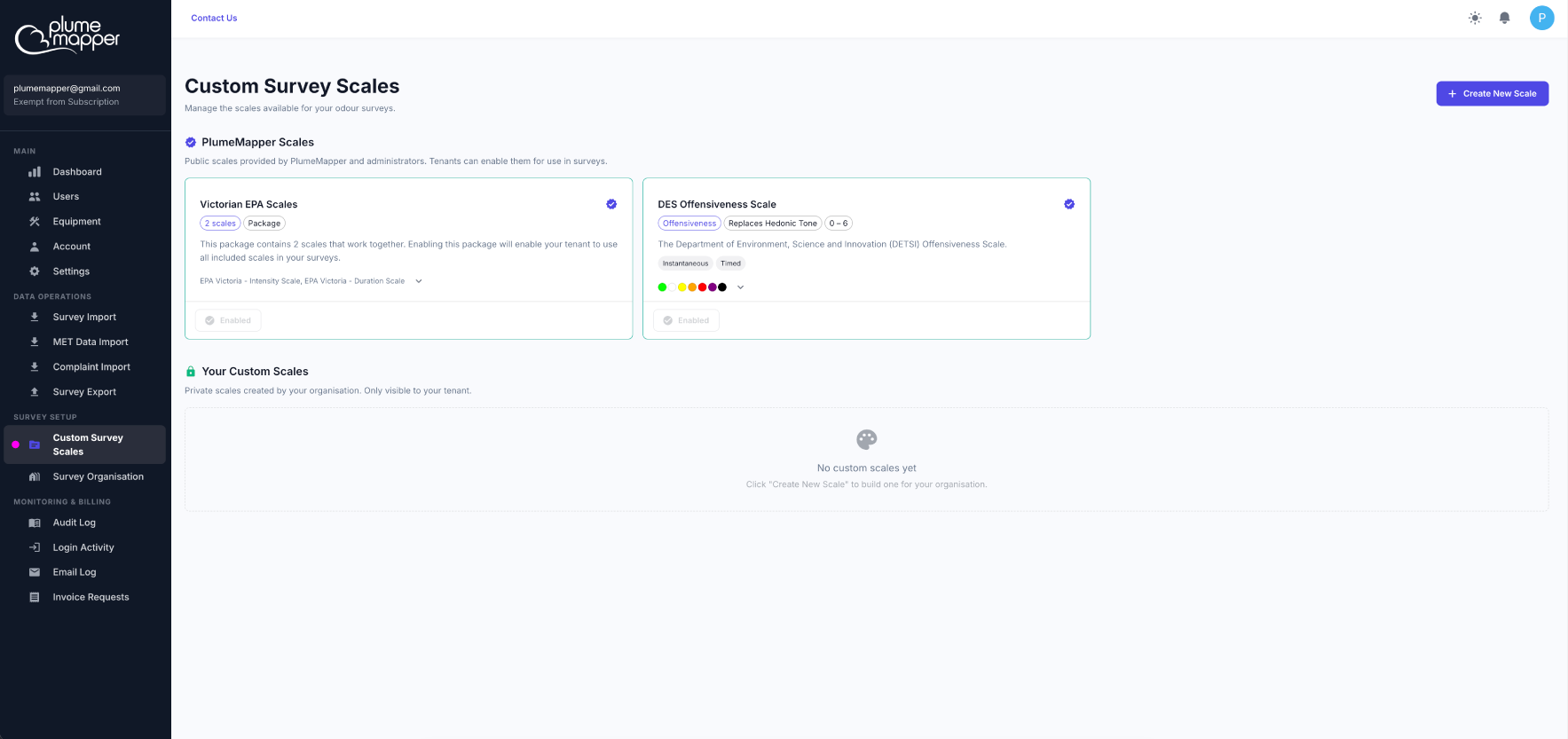
Select Custom Survey Scales from the Survey Setup section of the sidebar. Any PlumeMapper verified scales appear at the top, as shown below.
Creating a Custom Scale
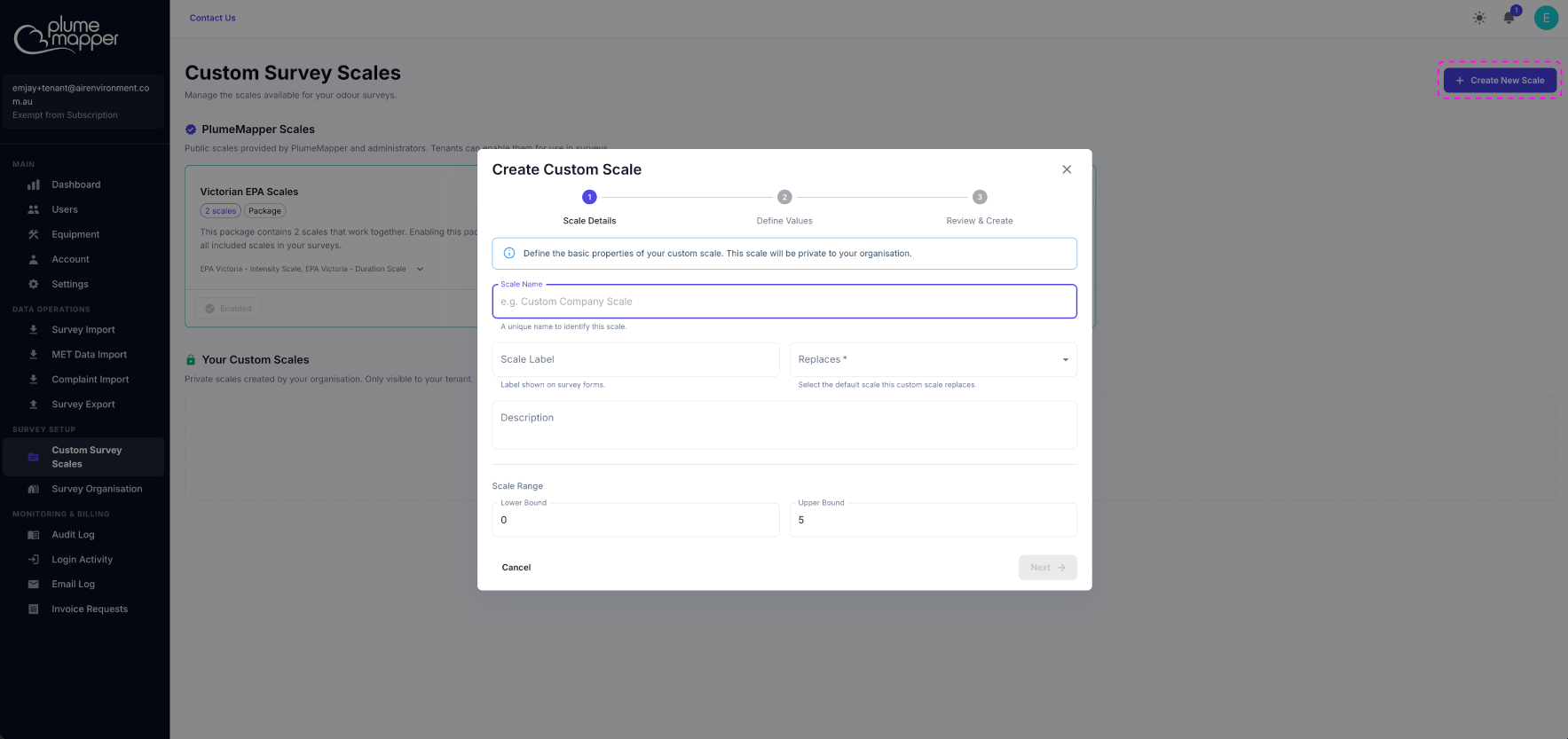
Click Create New Scale at the top right of the page.
Fill in the form with the scale details.
1. Details:
- Scale Name (required) - Enter a unique name to identify the scale, e.g. {company} offensiveness scale.
- Scale Label (required) - Enter the label shown on survey forms. Keep the scale label to a single short word, e.g. Offensiveness, Tone or Intensity.
- Replaces (required) - Select the default scale this one replaces: Intensity, Duration or Hedonic Tone.
- Description (optional) - Add a short description of the scale.
- Lower Bound and Upper Bound (required) - Define the range of the scale, e.g. Intensity: 0 - not detectable > 6 - extremely strong.
Click Next.
2. Define each scale:
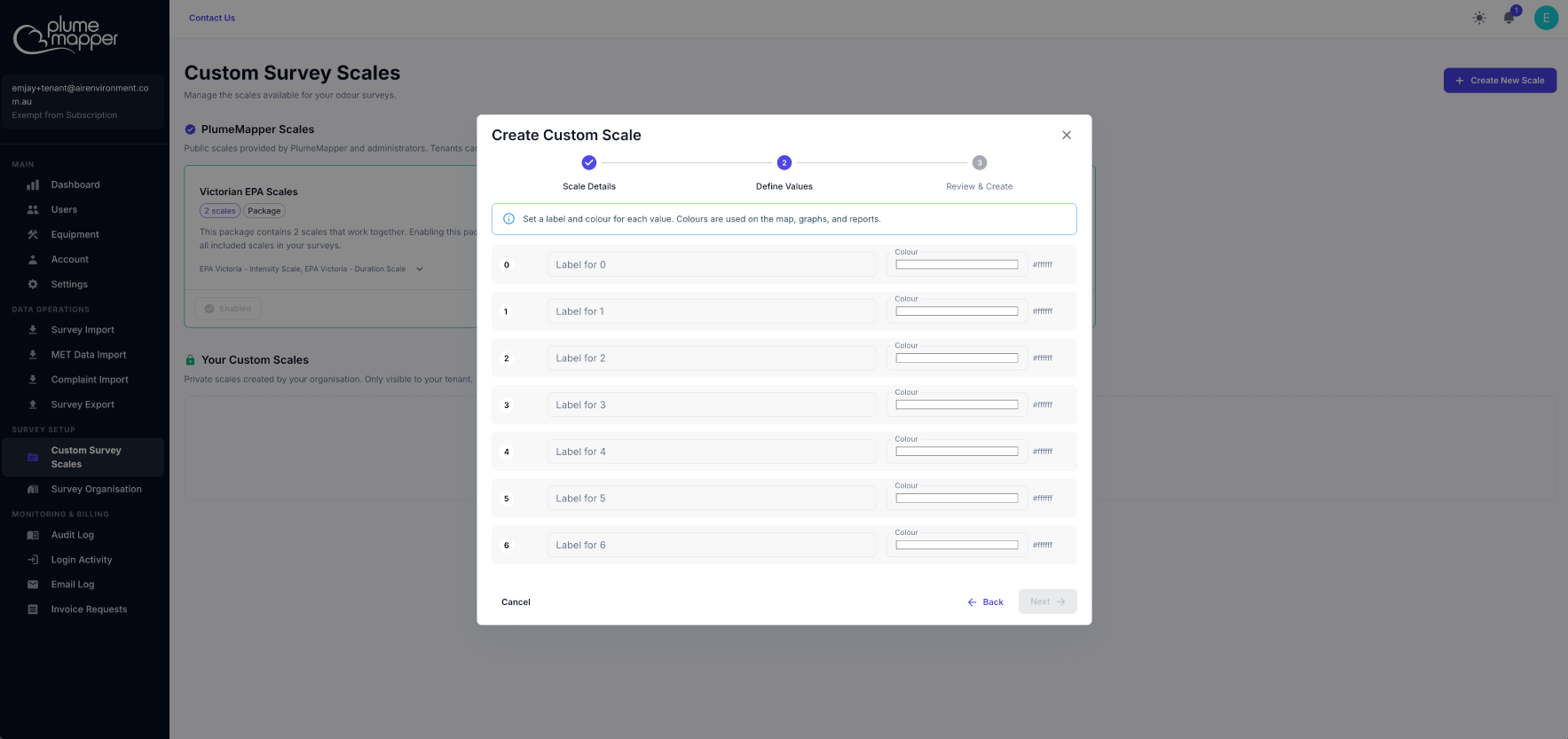
- Enter a label for each scale value.
- Choose a colour for each value (except for duration scales).
Note: Pick a colour for every value, otherwise the colour defaults to white.
Click Next.
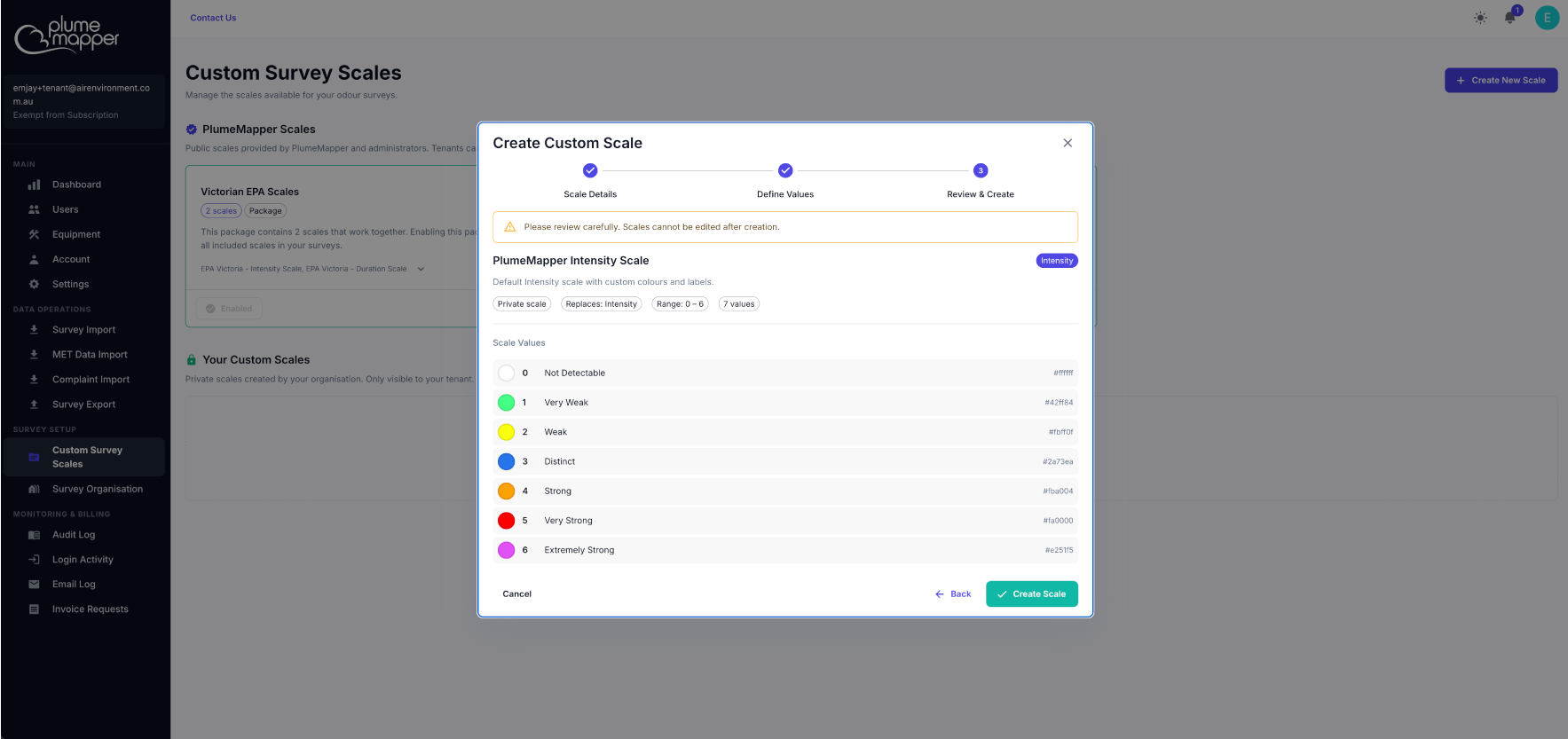
3. Review & Create:
Check the scale details, then click Create Scale.
Important: Scales cannot be edited or deleted after creation, so review carefully before you continue.
Using Custom Scales
Once enabled, your custom scales will appear alongside the default scales when creating a new site in the web and mobile apps.